[01] Specialized Course
Master the art of
D5 Rendering
Transform your architectural designs into breathtaking visual experiences with our comprehensive D5 Render training program.
Mastering the Digital Canvas
Comforto Academy is a specialized platform dedicated to the art of architectural visualization. We provide comprehensive training for architects and designers to transform technical models into emotive, cinematic render experiences using industry-leading tools like D5 Render.
ELEVATING VISUAL
NARRATIVES THROUGH
PRECISION TRAINING.
COURSE CURRICULUM
The D5 Render Masterclass
A deep dive into architectural visualization, covering everything from basic interface to high-end AI post-processing techniques.
[01]
Foundations of D5 Render
Master the basics: installation, workspace setup, and the core principles of photorealistic rendering navigation.
[02]
Visual Composition & Camera settings
Learn technical framing, FOV selection, and aspect ratios tailored for diverse architectural presentation platforms.
[03]
Natural & Artificial Lighting
Deep dive into HDRI systems and artificial light placement to create realistic atmospheric depth in any scene.
[04]
Asset & Scene Management
Efficient workflows for importing 3dsmax / SketchUp models and organizing complex scene layers and custom libraries.
[05]
Material Creation & Texture Workflow
Master PBR materials, high-quality map sourcing, and leveraging the D5 AI texture generator for hyper-realism.
[06]
Rendering & Path Tracing Optimization
Understand real-time performance vs path tracing and optimize render settings for both stills and cinematic animations.
[07]
Post-Processing & AI Enhancement
Advanced color grading, AI atmospheric matching, and resource management utilizing the latest D5 Studio AI tools.
[08]
Complete Project Workflow
A comprehensive breakdown of a real-world project, walking through the entire pipeline from raw model to final export.
[09]
Building Your Archviz Career
Strategies for branding, client communication, and effective pricing models within the specialized 3D industry.
[10]
Bonus: Business & Portfolio Growth
Accelerate your path with portfolio building guides and high-impact social media techniques for professional growth.
LEARNING STRATEGY
Teaching Method
1. Concept-Based Learning
Each module begins with clear explanations of the core Archviz concepts to build a strong foundation.
2. Live Demonstration
Step-by-step demonstrations in D5 Render workflow, showing real-time techniques used in professional visualization.
3. Hands-On Practice
Students work on exercises during the class to apply lighting, materials, and rendering techniques.
4. Real Project Workflow
Training based on real architectural projects from modeling to final render output.
5. AI Integration
Using D5 AI tools and post-processing techniques to enhance realism and speed up workflow.
6. Personalized Guidance
Small-group or private session support with feedback and corrections.
7. Portfolio Development
Students create portfolio-quality renders ready for professional presentation.
8. Career Guidance
Tips on client communication, pricing, and building an Archviz career.


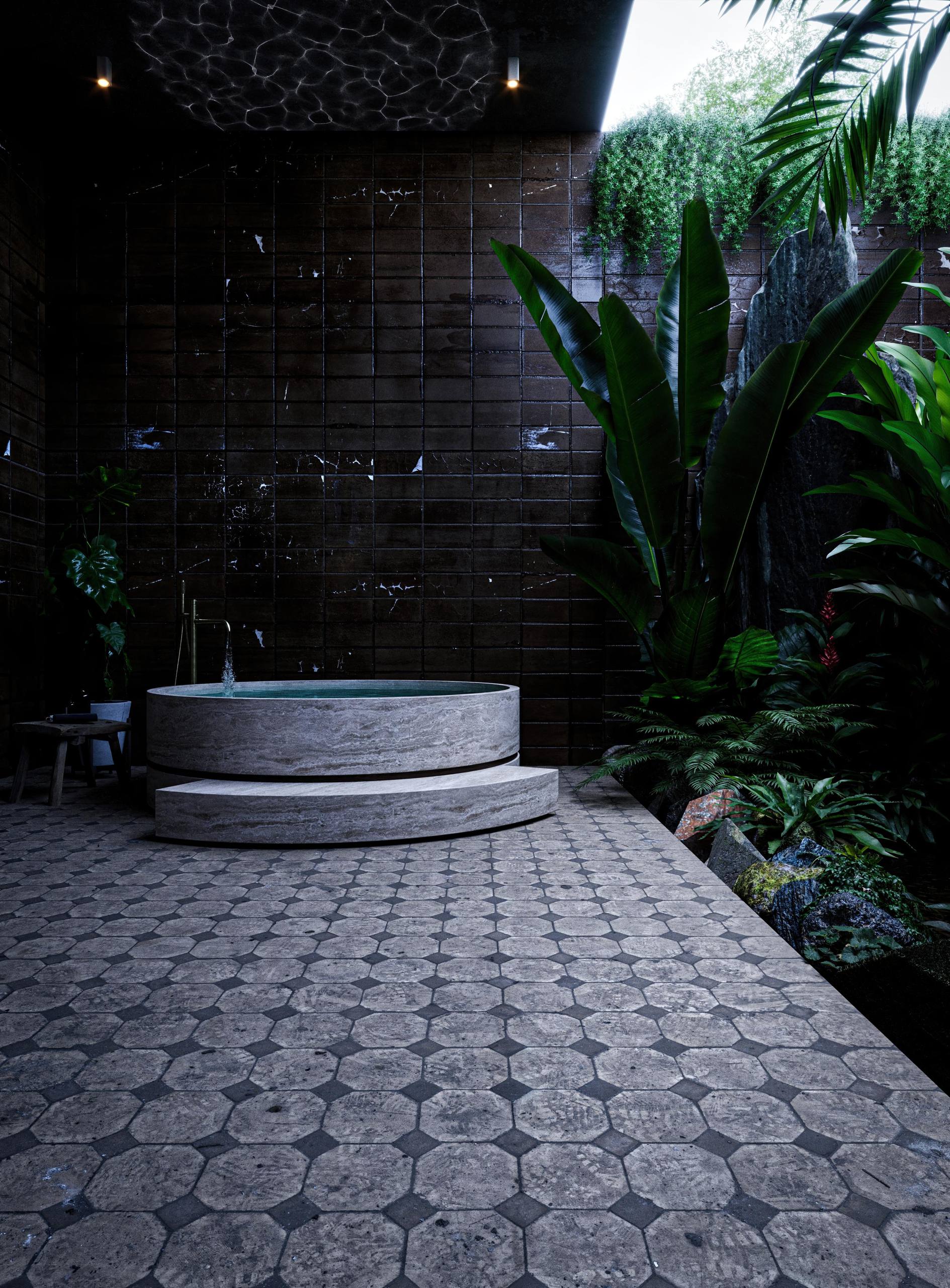
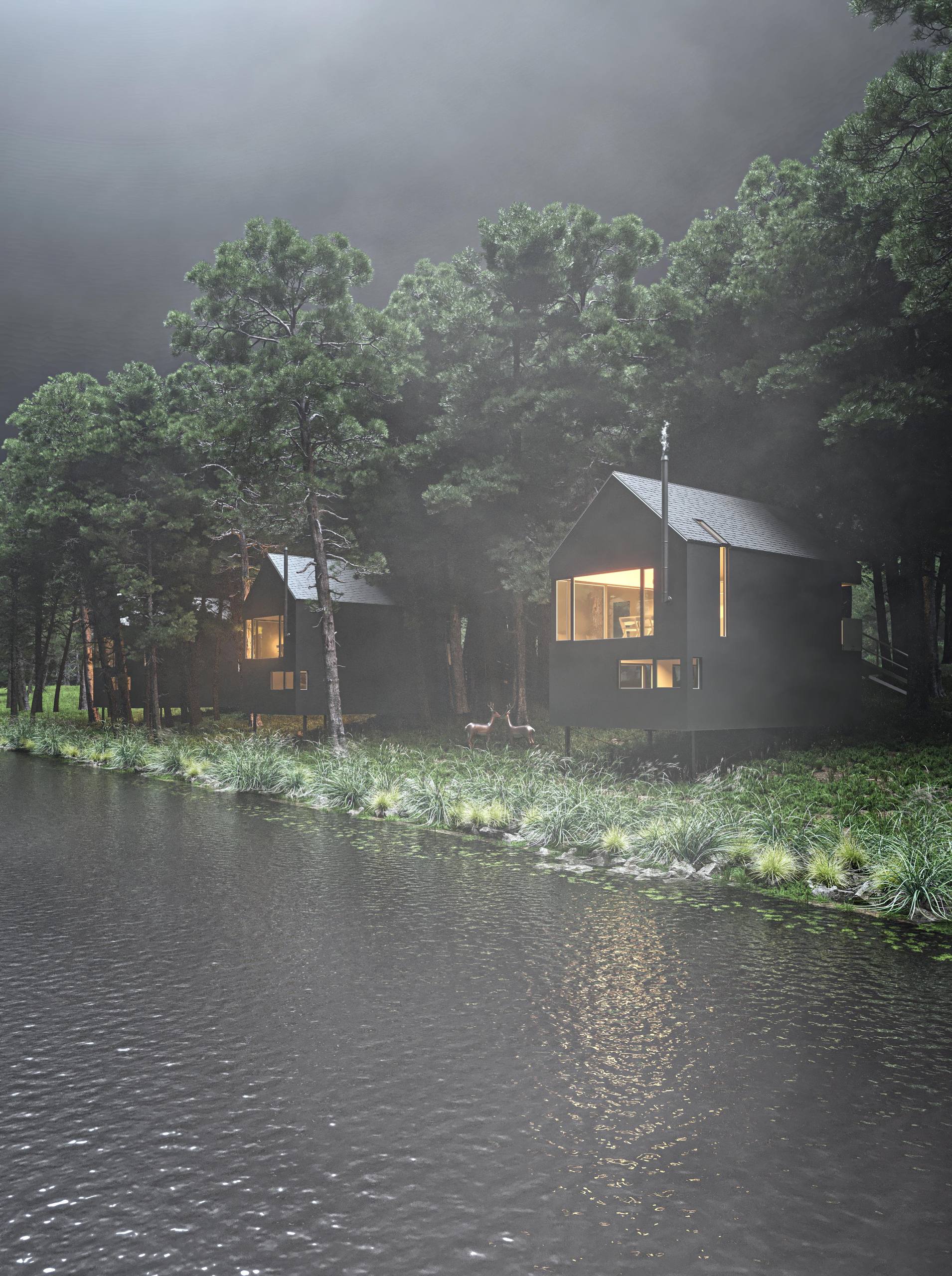
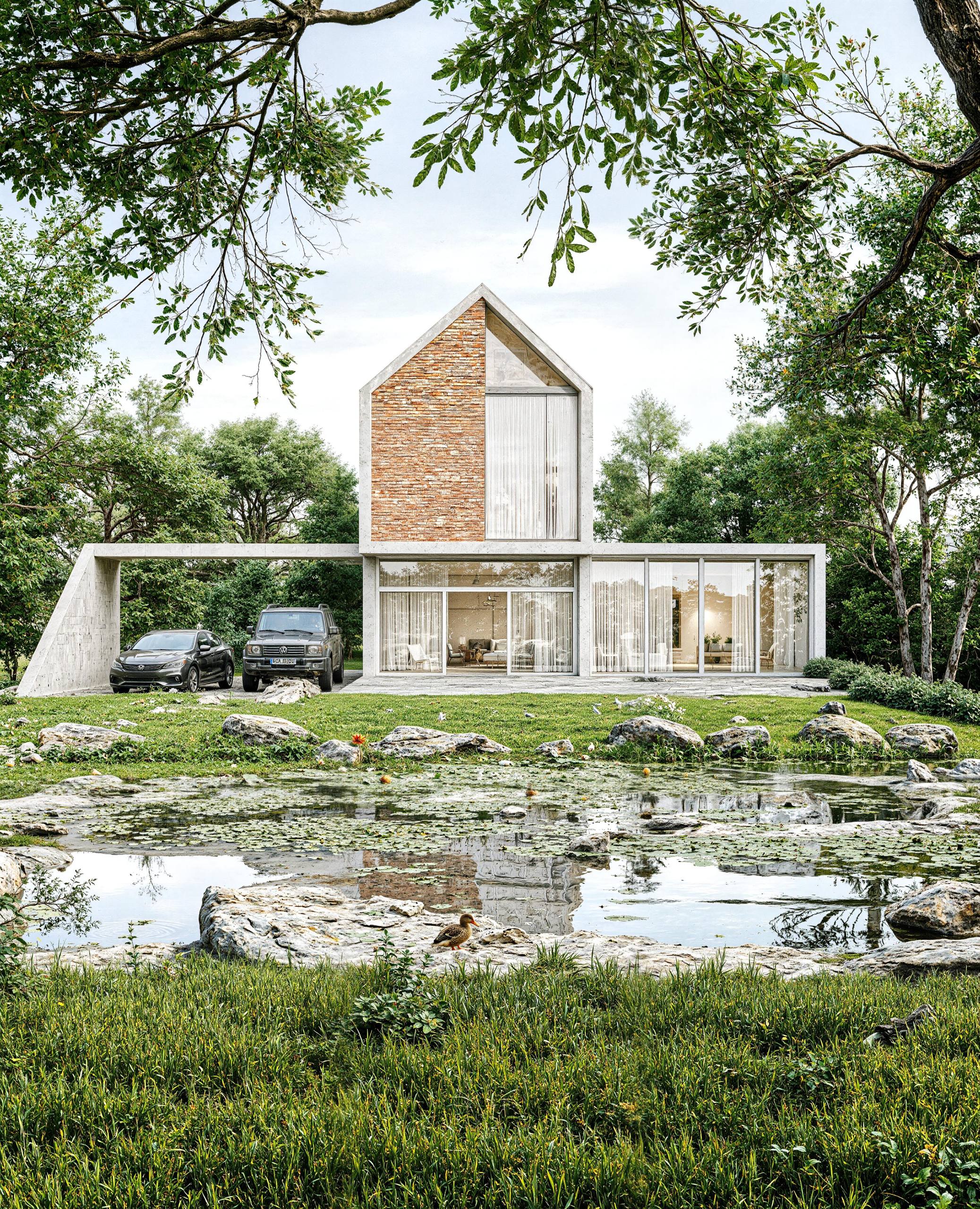
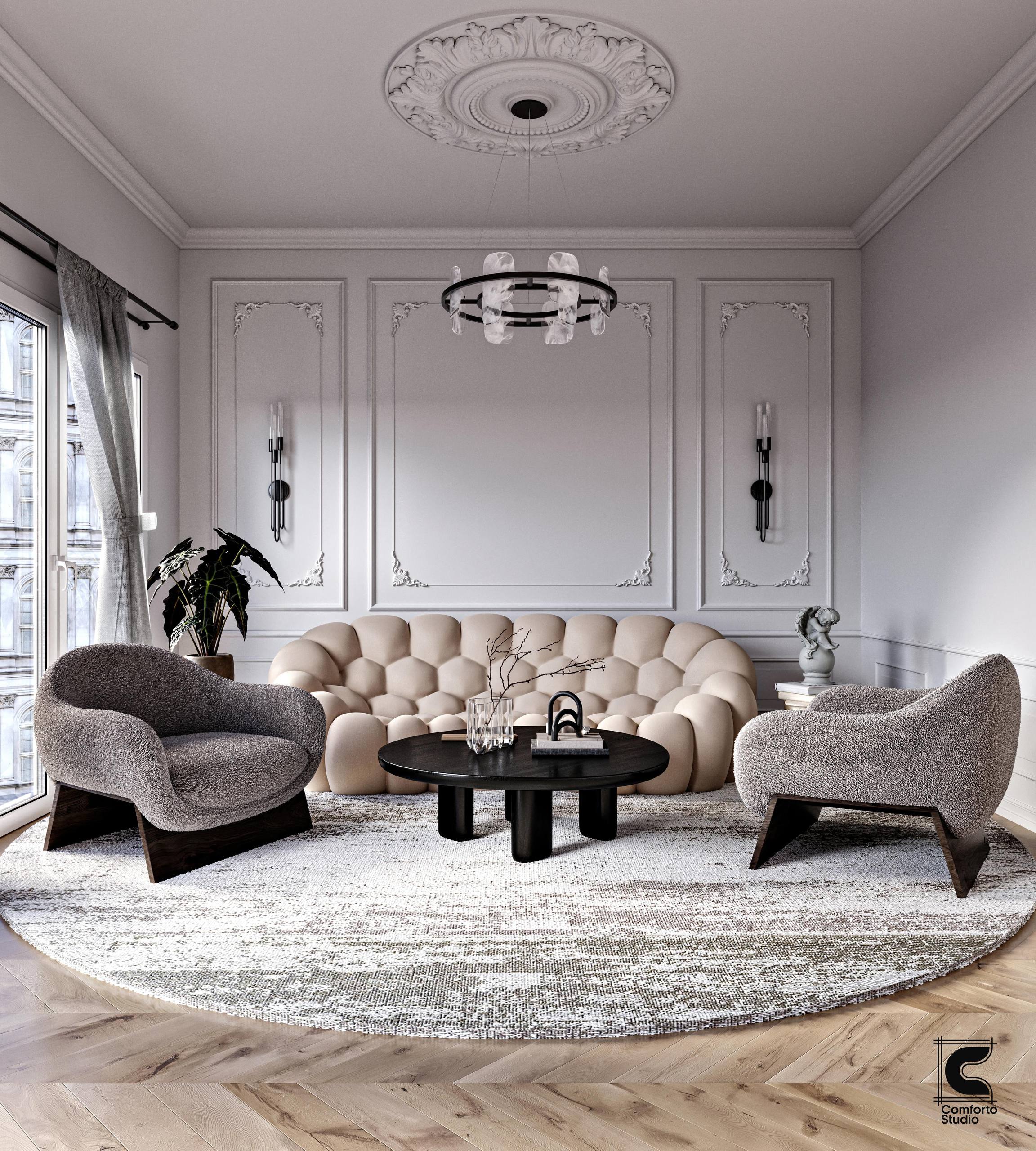
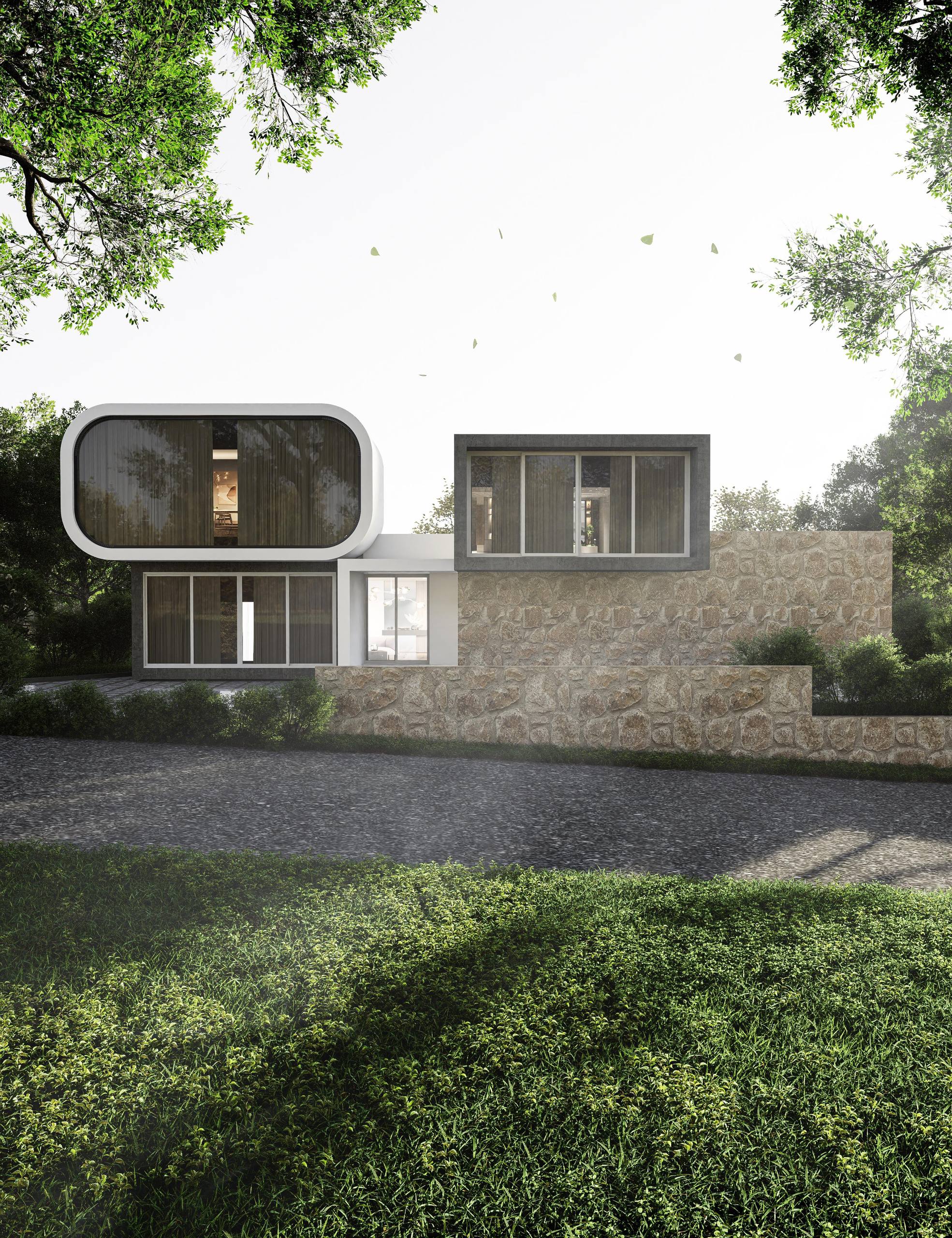
Explore Our Specialized Training Modules
Master the complete D5 Render workflow with our comprehensive modules designed for high-end architectural visualization.
Module 01 – Introduction to Archviz Workflow
• Understanding the Archviz pipeline
• Software overview (SketchUp / D5 Render)
• Preparing a project for visualization
Module 02 – 3D Modeling Fundamentals
• Clean architectural modeling workflow
• Importing CAD drawings
• Creating walls, floors, windows, and details
Module 03 – Advanced Modeling Techniques
• Optimizing models for rendering
• Asset placement and scene setup
• Working with external model libraries
Module 04 – Texturing & Materials
• Understanding PBR materials
• Applying realistic textures
• Texture scale, mapping, and adjustments
Module 05 – Lighting Fundamentals
• Natural lighting setup
• Sun and sky system
• Interior lighting techniques
Module 06 – Advanced Lighting & Atmosphere
• HDRI environment lighting
• Artificial lighting design
• Creating mood and realism
Module 07 – Rendering Settings & Optimization
• D5 render settings explained
• Path tracing vs real-time rendering
• Optimizing scene performance
Module 08 – Camera & Composition
• Camera angles and framing
• Field of view and composition rules
• Creating cinematic architectural shots
Module 09 – Post Production Workflow
• Color correction and LUTs
• Enhancing renders in post
• Preparing final presentation images
Module 10 – AI Tools for Archviz (Bonus)
• D5 AI Enhancer
• AI atmospheric match
• AI upscaling and style transfer
Ready to Elevate Your ArchViz?
Inquiries
comfortoacademy@gmail.com
kerala,india
Social
comfortoacadmey